Log it.
Lift it.
Never lose it.
Chalk is a workout tracker built for the minute between sets. The numbers are already filled in, the buttons are big enough for chalky thumbs, and it keeps working when the gym has no signal.
Runs in your phone's browser. No account needed to start logging.
Front squat
Try it. This is the logging screen.
What you get once the bar is back on the rack
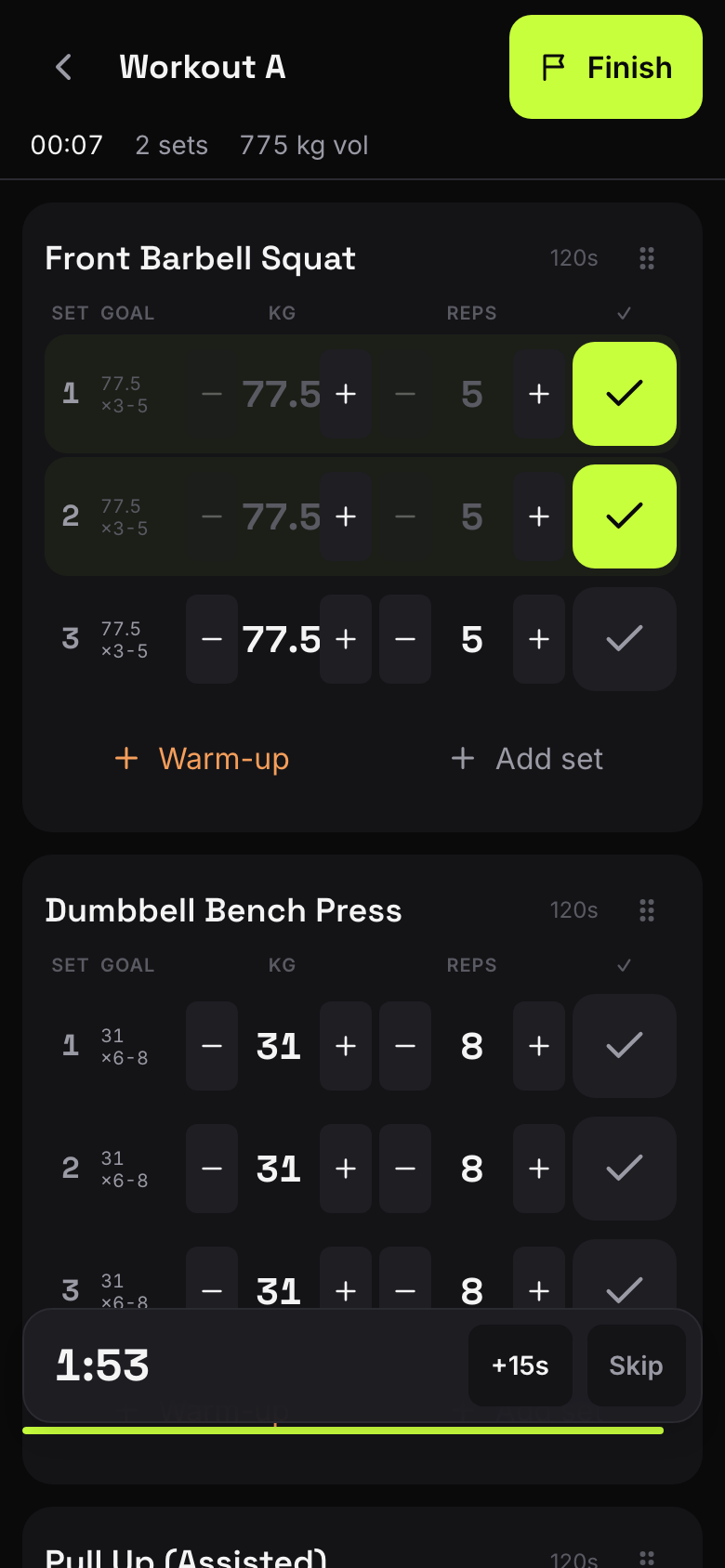
A goal, not a scoreboard
Each row shows what you're aiming for today. Tick it if you hit it, nudge the numbers if you didn't. The target only moves when you decide to go heavier.
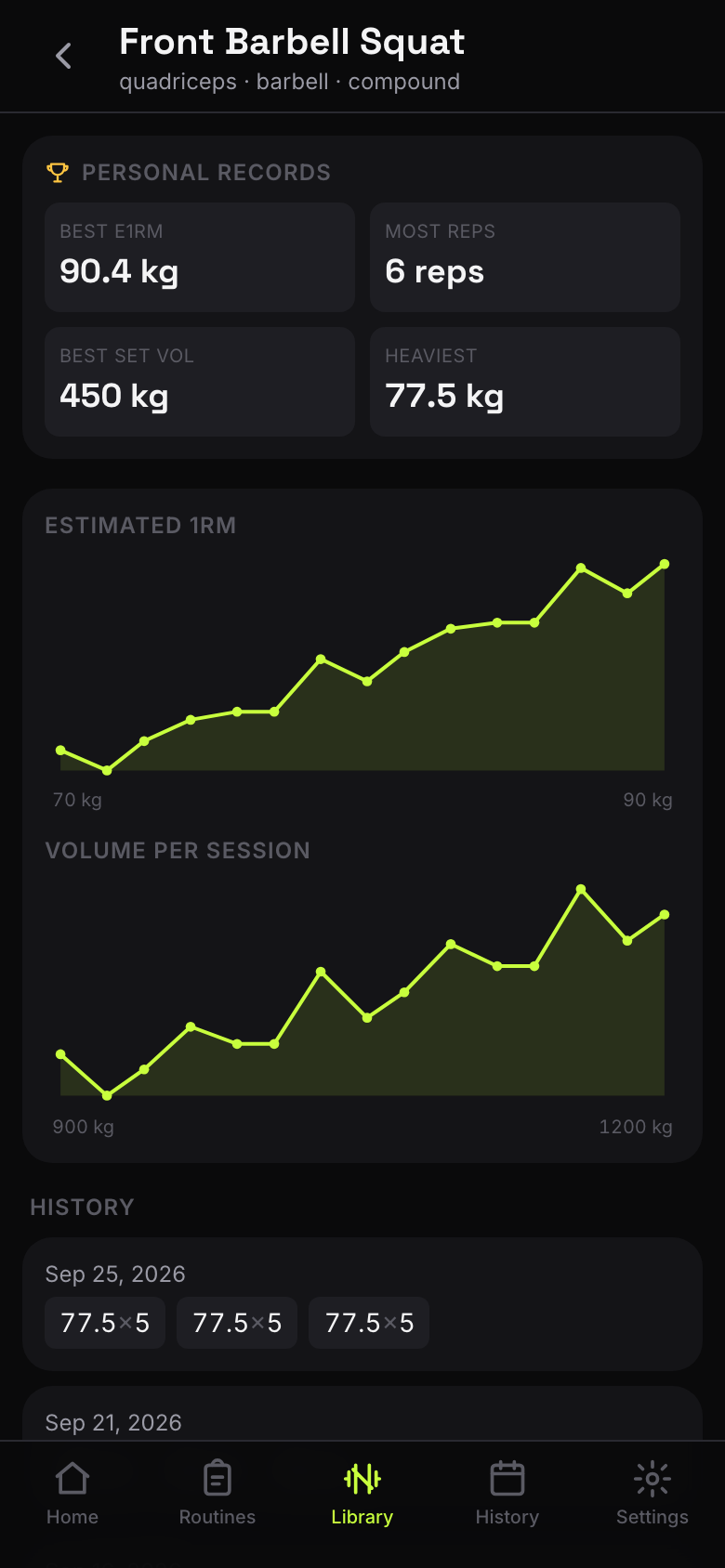
Records and trends, worked out for you
Every exercise keeps its own personal records, an estimated one-rep max, and volume per session. Held and carried work is scored on time, separately.
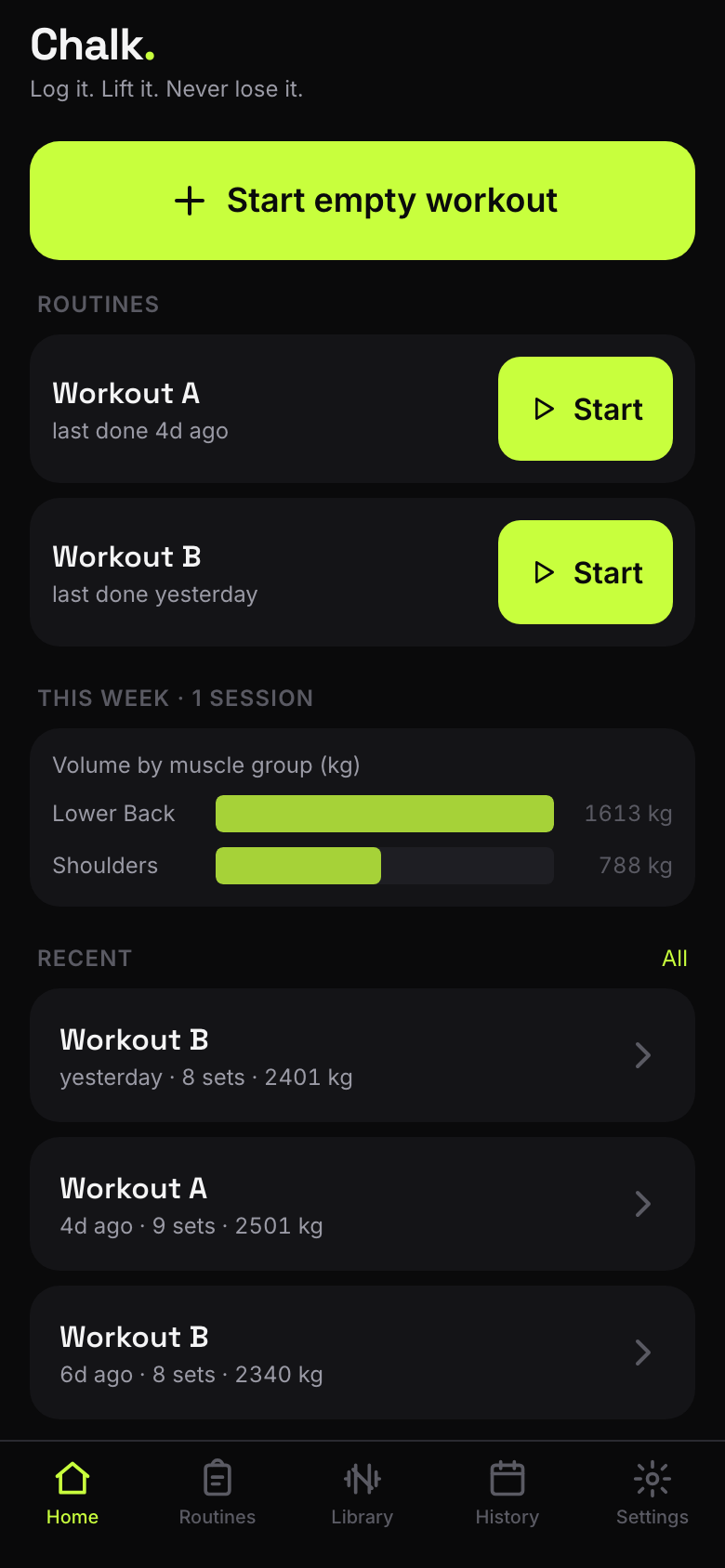
Your routines, one tap from starting
Save the sessions you repeat and start them from the home screen. The week's volume by muscle group sits right underneath.
The parts you only notice when they're missing
- It works with no signal
- Every set is saved on your phone the moment you tick it. Basement gym, airplane mode, dead wifi: nothing spins, nothing is lost.
- It follows you to a new phone
- Sign in with your email and your history syncs across devices. Skip it and everything stays on the phone in your hand.
- Your history comes with you
- Import a Strong export and your sessions, exercises and routines arrive intact. Export everything as JSON or CSV whenever you like.
- The rest timer keeps counting
- It starts when you tick a set and stays with you while you check another screen. Warm-ups, failure sets and a plate calculator are there when you need them.
Put it on your home screen
Chalk is a web app, so there's nothing to download from a store. Added to your home screen it opens full-screen, like any other app.
iPhone
- Open app.chalkup.me in Safari.
- Tap Share, then Add to Home Screen.
- Open Chalk from the new icon.
Android
- Open app.chalkup.me in Chrome.
- Tap the menu, then Install app.
- Open Chalk from the new icon.